See whether it’s just you.
Check a website from multiple locations in real time. View the latest available checks for well-known sites.
Explore ISP Tracker Live
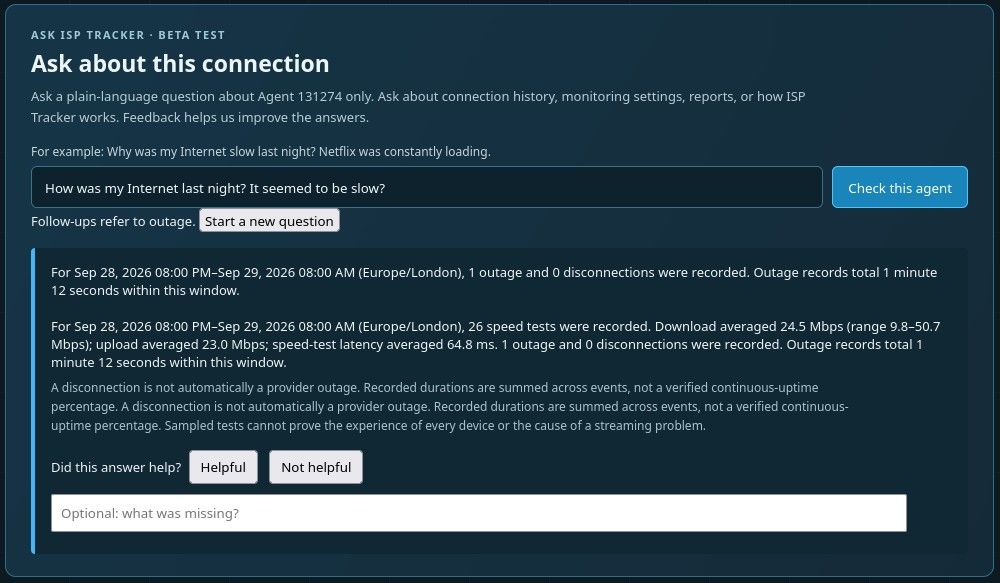
Ask an Internet question
Everyone is welcome.
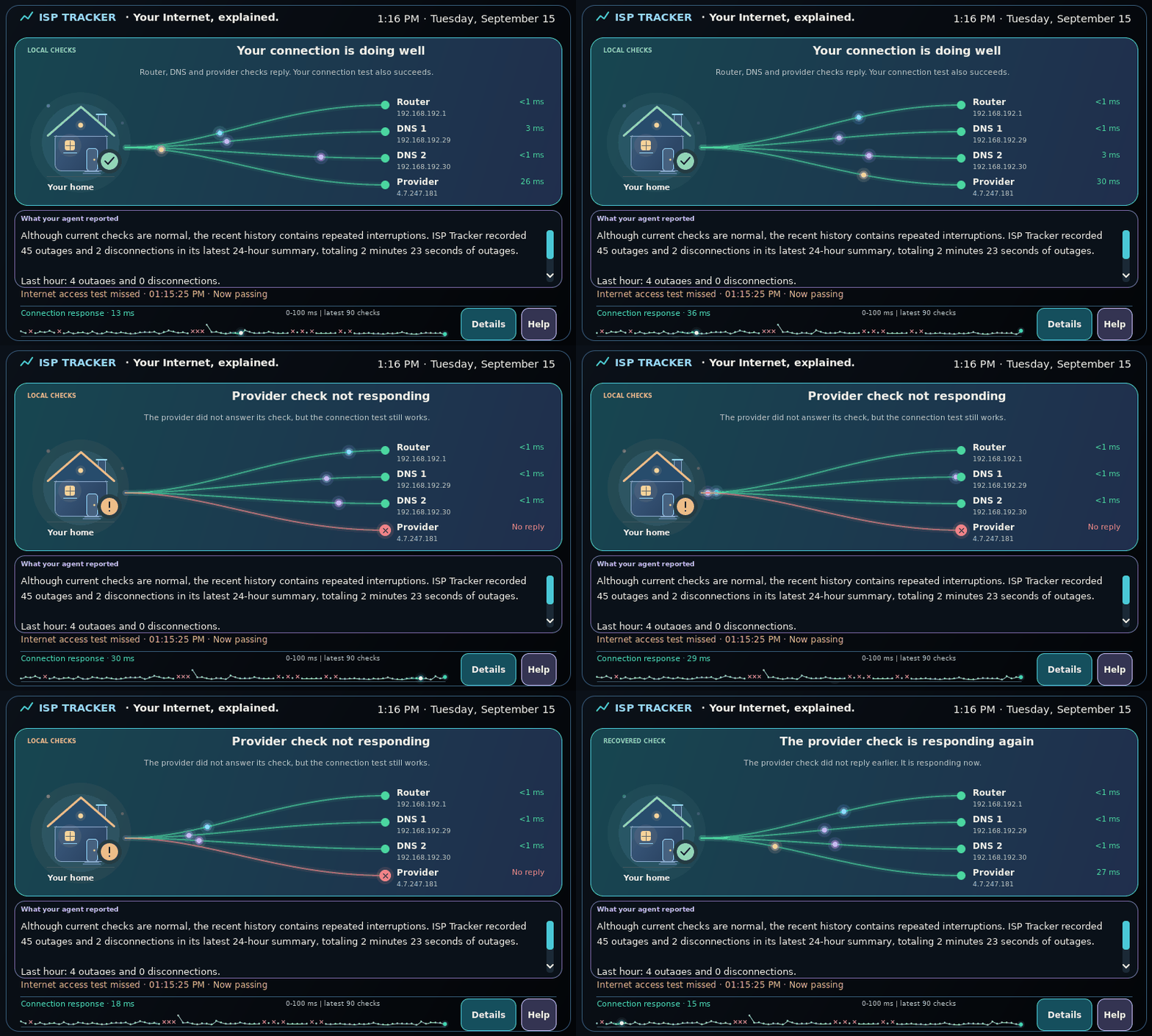
Illustrative example · No live test is running
What’s happening right now?Explore ISP Tracker Live for monitoring observations, community reports and website reachability checks.
Learn from problems we've already investigatedExplore real Internet problems, troubleshooting steps, explanations, and solutions from years of ISP Tracker support.
Get help with your Internet problemIf you can't find the answer, ask a question and work through the evidence with ISP Tracker support.
From the forum