Skip to content
ISP Tracker ISP Tracker Live & Community
ISP Tracker Live & Community

See whether it’s just you.

Check a website from multiple locations in real time. View the latest available checks for well-known sites.

Explore ISP Tracker Live
Ask an Internet question Everyone is welcome.
Your network, router, DNS and provider A monitored location with four illustrated connection paths. The addresses, response times, and occasional provider failure are simulated examples, not live monitoring. Your network Router 192.168.192.1 2 ms DNS 1 192.168.192.29 9 ms DNS 2 192.168.192.30 14 ms Provider 4.7.247.181 32 ms

Illustrative example · No live test is running

What’s happening right now?Explore ISP Tracker Live for monitoring observations, community reports and website reachability checks.
Learn from problems we've already investigatedExplore real Internet problems, troubleshooting steps, explanations, and solutions from years of ISP Tracker support.
Get help with your Internet problemIf you can't find the answer, ask a question and work through the evidence with ISP Tracker support.
From the forum

Recent discussions

  • 0 Votes
    1 Posts
    5k Views
    No one has replied
  • 0 Votes
    1 Posts
    777 Views
    No one has replied
  • 1 Votes
    4 Posts
    1k Views
    ISPtracker_SupportI
    You're welcome. I forgot to allow you for posting, you're all set now without our having to moderate.
  • 0 Votes
    1 Posts
    720 Views
    No one has replied
  • Windows Install problem

    Solved Windows windows 10 software agent install
    13
    1 Votes
    13 Posts
    4k Views
    ISPtracker_SupportI
    So our Windows dev did some digging and this is what we were told. I've found the reason for the crash this person experienced when installing. If the service fails to start because the Listen() call throws an exception then the exception handler calls Close() and Close() fails to check if the handle pointer is a null reference before using it. What I don't know is why we are not able to start a named pipe on that persons machine. I'll add the missing check to the library code but that won't cure the actual problem they had, so I'll investigate further on what might prevent use opening a named pipe on Windows 10 Pro. I've never seen that fail before. So I don't think we have a general issue here, more likely a restriction configured on that machine or possibly the name we use for the pipe is already being used.
  • Windows Install

    Solved Windows windows download dashboard
    4
    1 Votes
    4 Posts
    2k Views
    ISPtracker_SupportI
    No problem. There is a bit of a learning curve but not too much. We've tried to make it as automatic as possible but like all tools, it does take a little reading and learning to understand how to use it. The www.outagesio.com site is mainly just our marketing site, it's where search engines and folks searching for a service like ours can learn about us. This site is for support but also contains quite a lot of information from us and others who have posted similar questions that can help others. The app.outagesio.com site is the service itself. It's a 100% custom built service which is why all three of these things aren't all in one service. It simply wasn't possible. My suggestion is that if you have an agent installed at this point, just let it run for a while. Data will start showing up as problems occur. Once it does, review the pages help and if you need more clarification, just post here including some details (not personal) and we'll try to help.
  • 0 Votes
    3 Posts
    1k Views
    ISPtracker_SupportI
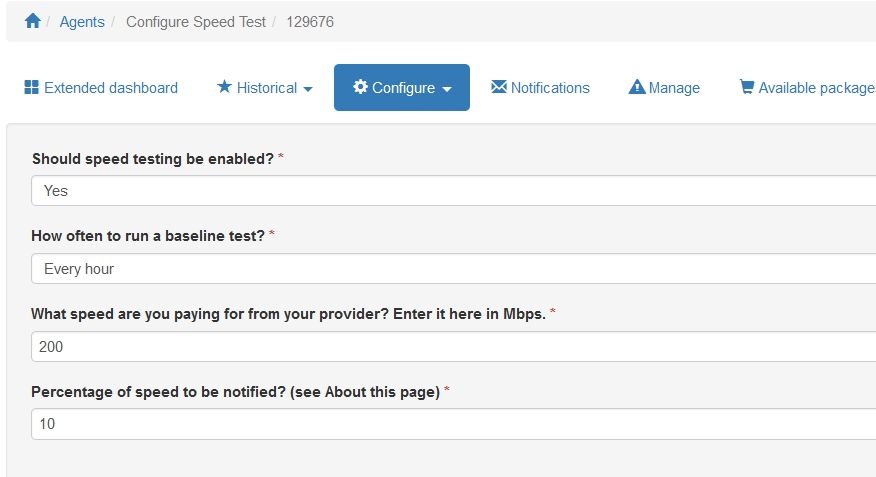
    Hi, I'm assuming you didn't notice the mention in the purchase page. These agents have 100Mbps ports so with our app running on it, it would max out below 100Mbps. The point of the speed test isn't really to see if you can max out the connection but to see if you have a usable amount of bandwidth. For example, even with a 100Mbps max, if you were seeing 5 or 10Mbps for example, you would know there is something really wrong. Hope this helps.
  • 0 Votes
    3 Posts
    1k Views
    SBKS
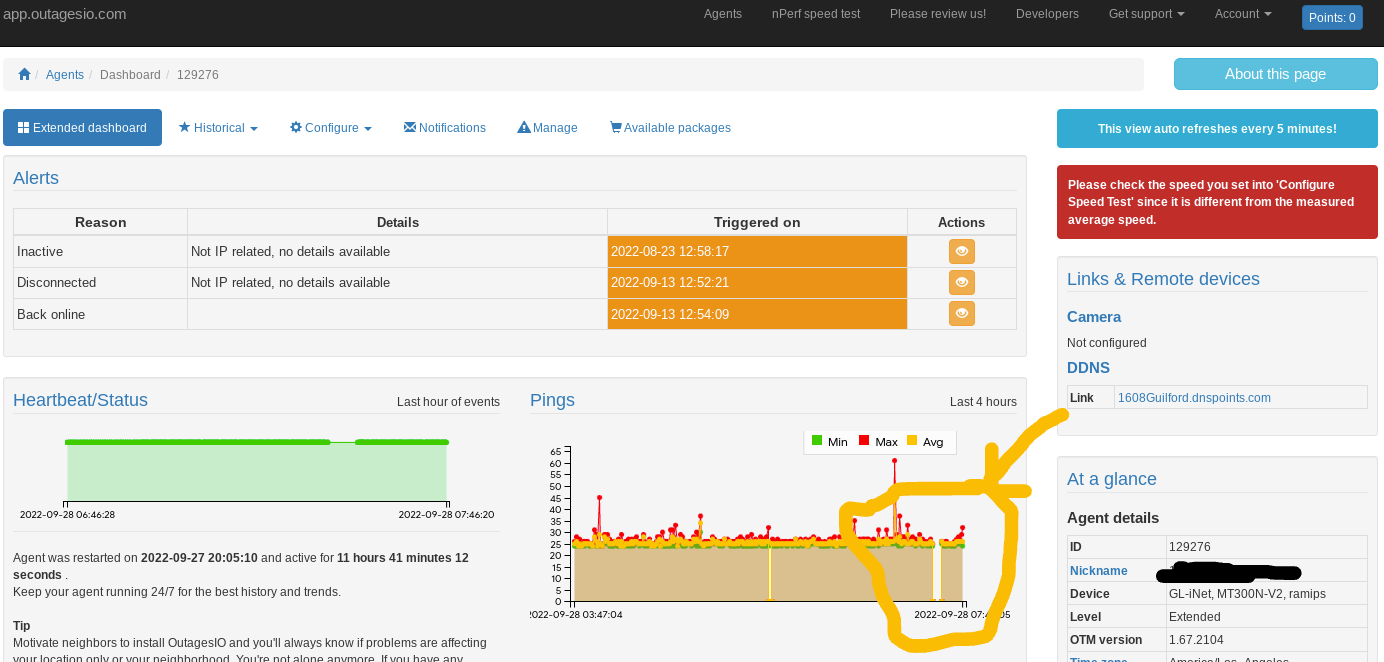
    @dltwyman Hi Douglas, Was it a power outage or was it an "internet outage"? I ask since I cannot see anything else than a disconnection which, as stated, would not be IP related. Meaning, you would not see an outage The reason behind the inactive/disconnected alert is exactly to show other reason behind the "missing connectivity" which are not identified by the "usual" internet outage. In short, if the agent recognizes an IP outage, it will always log it assuming the software was not stopped or restarted in which case, the outage info it was tracking would be lost.
  • 1 Votes
    4 Posts
    1k Views
    ISPtracker_SupportI
    @achong99 said in Free Starter shows only 1 chart: 129679 Ok, I looked at this agent and everything seems ok. The only thing missing that we now think is a problem on the OutagesIO end is pings which aren't showing. We'll take a look tomorrow and try to find the problem and solve it. In terms of what you see, you won't see much until there are in fact problems with your Internet that the agent can pick up. There are help notes for each page on the site, just click on those to get additional information. Give it a few days and see if something starts showing up. Remind us here and we'll take a look with you as well.
  • 1 Votes
    4 Posts
    1k Views
    ISPtracker_SupportI
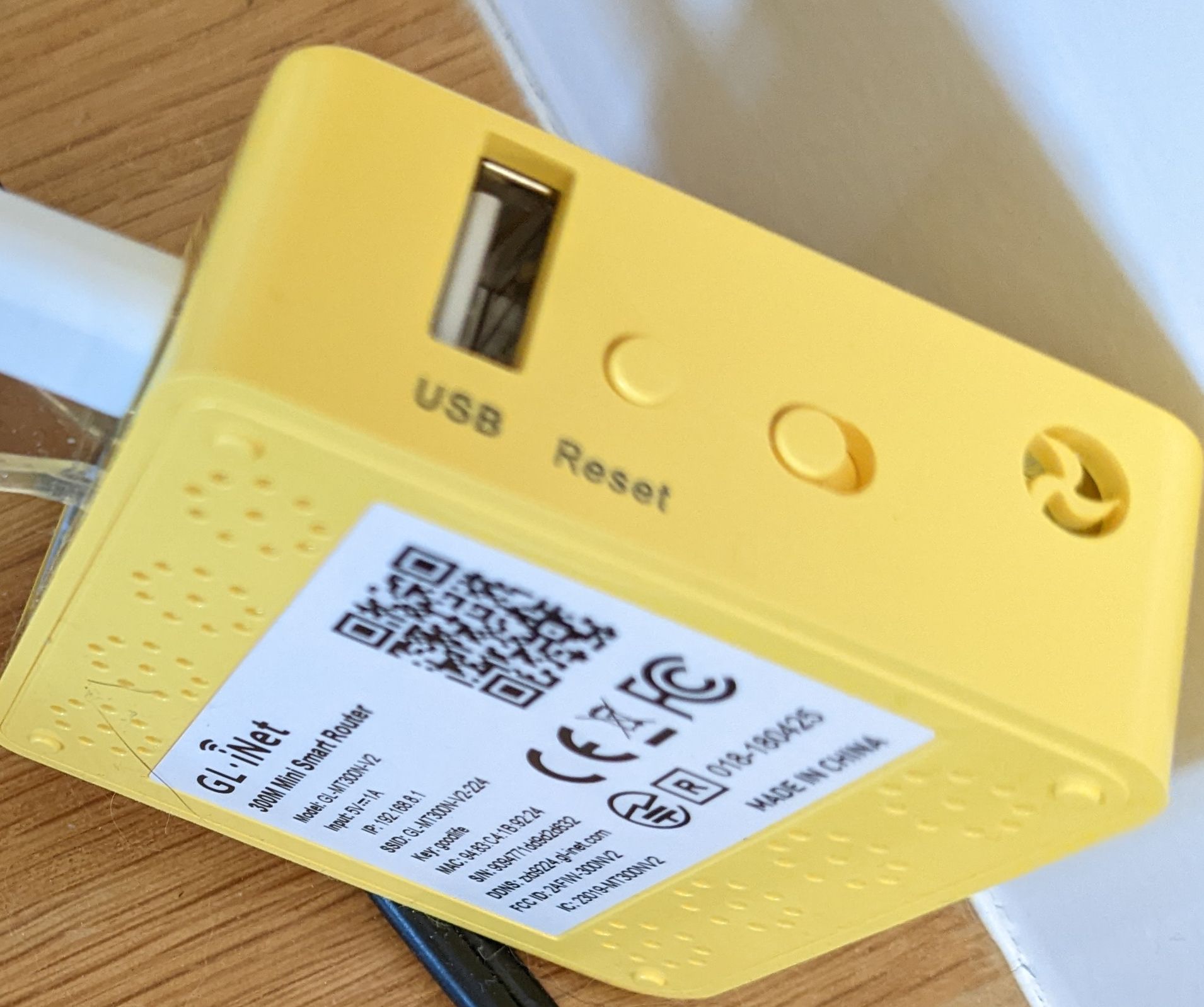
    Hi, Not much we can do about the buttons, it comes with the hardware. Most little devices like these have them, it's just a matter of programming. The activation email was sent on the day that the agent was prepared, It's probably in your junk box but the one we re-sent earlier today made it which is good. All worked out after all, it's all that matters. Hopefully, the service helps you to find problems you might be having. Feel free to ask for help or clarification any time.
  • 1 Votes
    4 Posts
    1k Views
    ISPtracker_SupportI
    They don't include any when we order them either. We used to provide them but most people have dozens of old USB power supplies laying around. Any 5v 1amp will do. Example; USB wall plug from ebay Probably bags of them at the local Goodwill :).
  • 0 Votes
    4 Posts
    1k Views
    ISPtracker_SupportI
    Thank you for letting us know. Glad you got it.
  • 0 Votes
    2 Posts
    862 Views
    SBKS
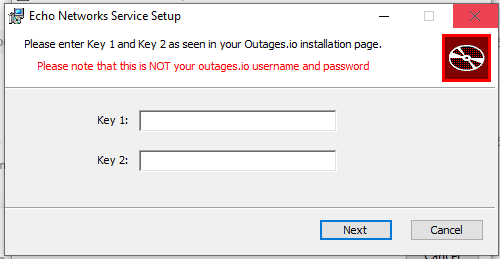
    @fardvrsgr Hi Frances, When you create a new agent you are supposed to follow the instructions that are taking you to the point of downloading the executable to install the software on your PC In that page you didn't confirm that you downloaded the software so you cannot see the keys needed to continue the installation From the agent list if you click on the link "Click to complete" you will be taken to the page where you already downloaded the file and there you can simply press YES to confirm you did download the software (assuming you have) and there you will see the keys needed to install
  • 1 Votes
    4 Posts
    2k Views
    SBKS
    @shahinfard Hi, Please double check that all the settings are now associated to the HW agent.
  • 0 Votes
    1 Posts
    593 Views
    No one has replied
  • 1 Votes
    5 Posts
    1k Views
    ISPtracker_SupportI
    Glad you got it.
  • Can't install agent on raspberry pi 3B+

    Locked ARM raspberry internet monitoring install
    2
    0 Votes
    2 Posts
    1k Views
    ISPtracker_SupportI
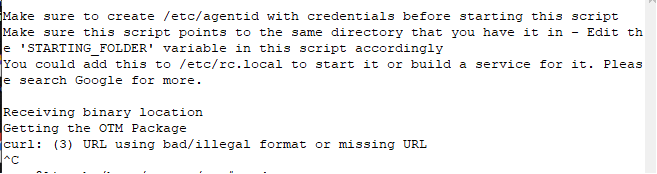
    @kasper1985 said in Can't install agent on raspberry pi 3B+: bad/illegal format or missing URL Hi, Can you review this post and see if the information helps to solve your issue. https://support.outagesio.com/topic/187/solved-new-script-isn-t-working/
  • 1 Votes
    64 Posts
    61k Views
    ISPtracker_SupportI
    As explained earlier, when you see disconnections but no outages, it means anything but IP outages. Those links I shared explain what some of the causes could be, bad or slowly failing cable, firmware needing an update in your firewall or router or modem, or your provider has a signal level problem at the street level and they aren't acknowledging the problem. The only way to know more in your case would be to get one or two neighbors to install an agent also so that we can correlate their data. To get more info, you could always upgrade your reports for 30 days and that will show you historical data and other information that may or may not help. It may not help since you seem to be experiencing problems which aren't specifically IP related so the agent cannot log those, it can only tell you that's what seems to be happening. You can know this because of what you aren't seeing, IP outages that would be logged by the agent.
  • 1 Votes
    6 Posts
    2k Views
    ISPtracker_SupportI
    So how is it going? Did you figure it out?
  • How to run outagesio on two Windows computers

    Solved Windows windows simultaneous monitoring
    3
    1 Votes
    3 Posts
    1k Views
    SBKS
    @rollytabora The installation of the agent is not provider related i.e. you can install the agent (the software you will install on each of your two PCs) and let the software run. If one computer is connected to Verizon 5G and the other one is connected to T-Mobile you simply have to check how many outages were accounted to each agent and you will know which is best for you. Otherwise, if you can have only one provider at a time for both computers then you can let the agent collect as much data as possible (let's say for one week) and check how many outages were collected; then you can RESET the agent's data (you will loose that historical info) and connect to the other provider to test it the same way you did it before
While you’re away

Your Internet does not wait until you’re watching.

ISP Tracker keeps a history of problems that happen overnight or while you’re away.

Between speed tests

What happened between speed tests?

See how your connection behaves over time—not just when you remember to test it.

Wider context

Is it only your connection?

Similar activity across monitored locations can provide valuable wider context.