Skip to content

Displays and Smart home devices. IoT, without invasive apps

Support for our Displays, and IoT devices. Pre-sales and after sales questions are welcome.

2 Topics 8 Posts
Notice: support.outagesio.com is now consolidated into support.isptracker.com

Automatically monitor your Internet service and provider with alerts to problems
Track Internet disconnections, provider outages with historical data, and automated speed testing.
For Windows, Linux, ARM64, ARMa7. Learn more by visiting www.isptracker.com
Notice: If you created an account on app.isptracker.com, simply use the same credentials to log into these support forums.
  • New Display

    display unit online
    7
    1 Votes
    7 Posts
    108 Views
    ISPtracker_SupportI
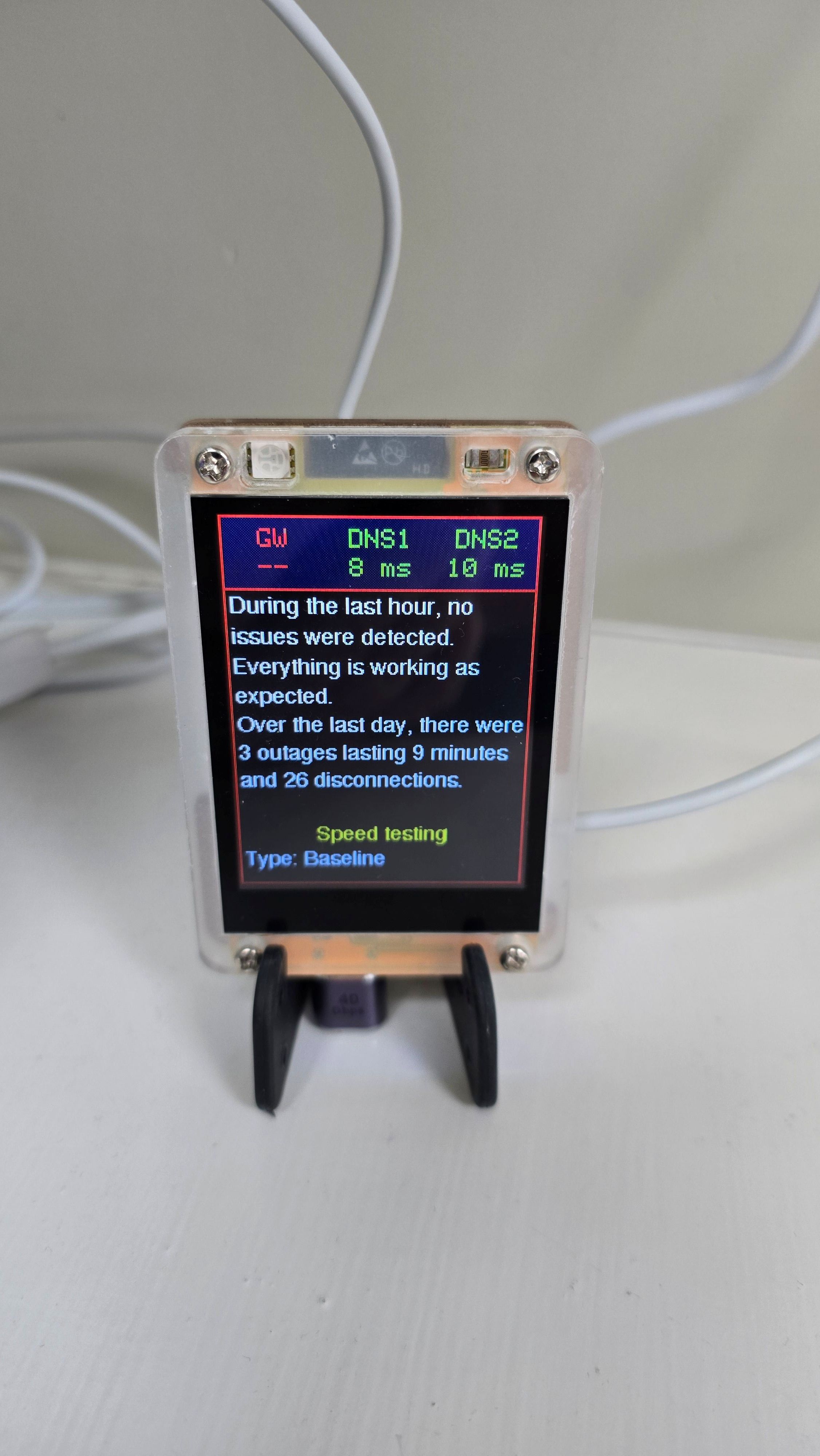
    Thanks for the input. The flashing is not related to the agent. The display has its own basic monitoring built in to show what's going on in real time. For example, if there is an IP outage (not inactive or disconnected), the border will flash red. The display does not know if it's the ISP or your local network but if there was an IP outage, your agent will catch that and send the result to the display. So it's kind of a double detection thing that's going on. The display does get a version of any alerts you'd get in the app but it also has its own local basic monitoring. It's possible that it might be too sensitive. The timings are shown in the help page under Display. We're looking at how we might be able to give users controls but also concerned as I mentioned above that users might not set that right, causing them to think things aren't working right.
  • 0 Votes
    1 Posts
    462 Views
    No one has replied