@kdowney
Hi,
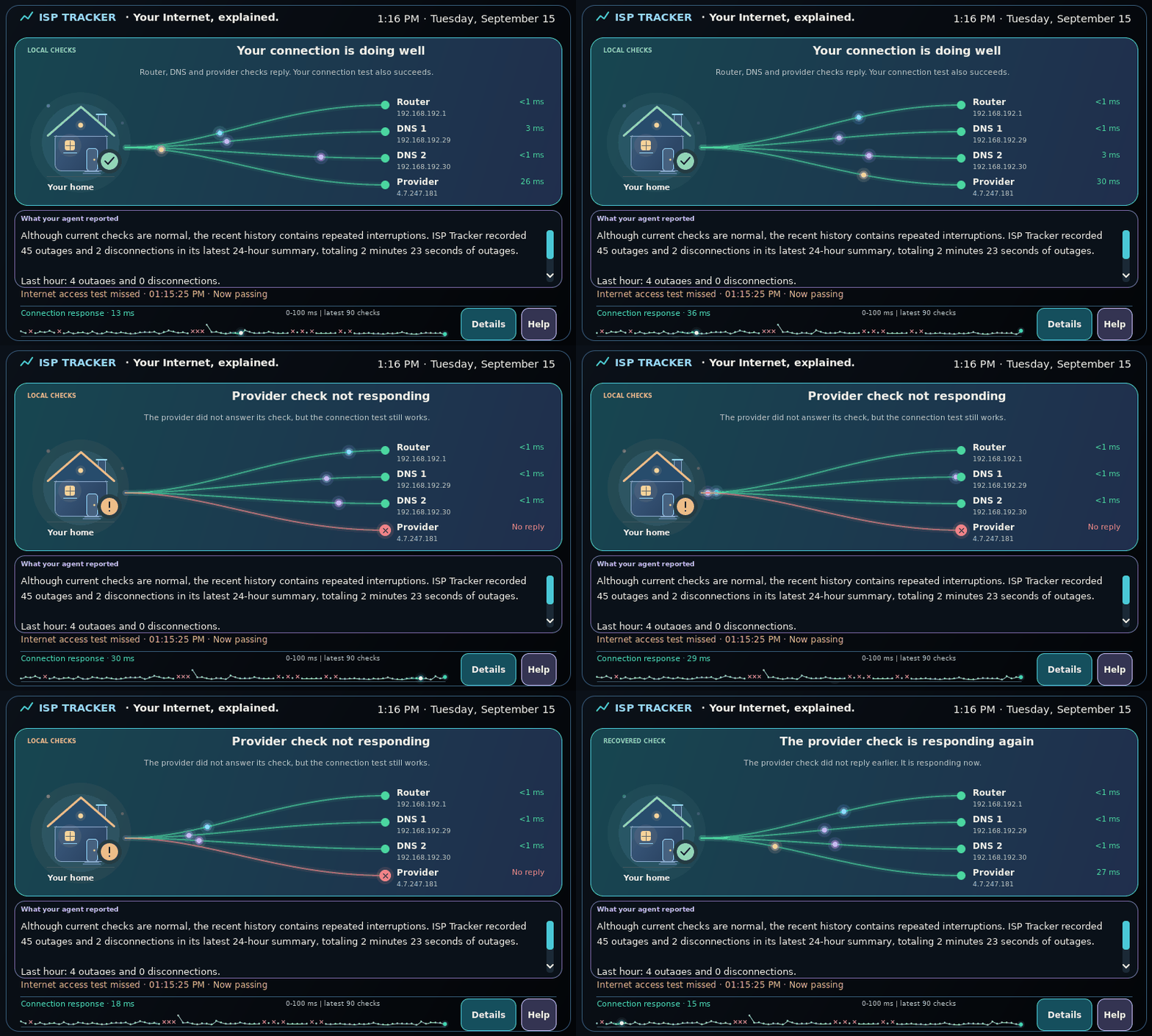
Are you talking about the desktop displays or the local status?
Local status is being removed soon, there are some issues we have to solve.
If you mean being able to see multiple locations all at once, there is an overview map that should automatically get enabled for members that have 10 or more agents.
You can get more info here; https://www.isptracker.com/isp-network-monitoring-tools-overview-map/
That map is a browser page that can be opened on a large display. Then you would see all of your locations being monitored and their statuses in one place, on one large display. Since it's a web browser, you could also check different agents as needed.
It's basically like a NOC view if that makes sense for you.
[image: overview-map-tv-02-350w.jpg]
If I didn't understand, please feel free to add more context.
BTW, as we work through the entire site, we will also be updating that overview map in the near future.
 ISP Tracker Live & Community