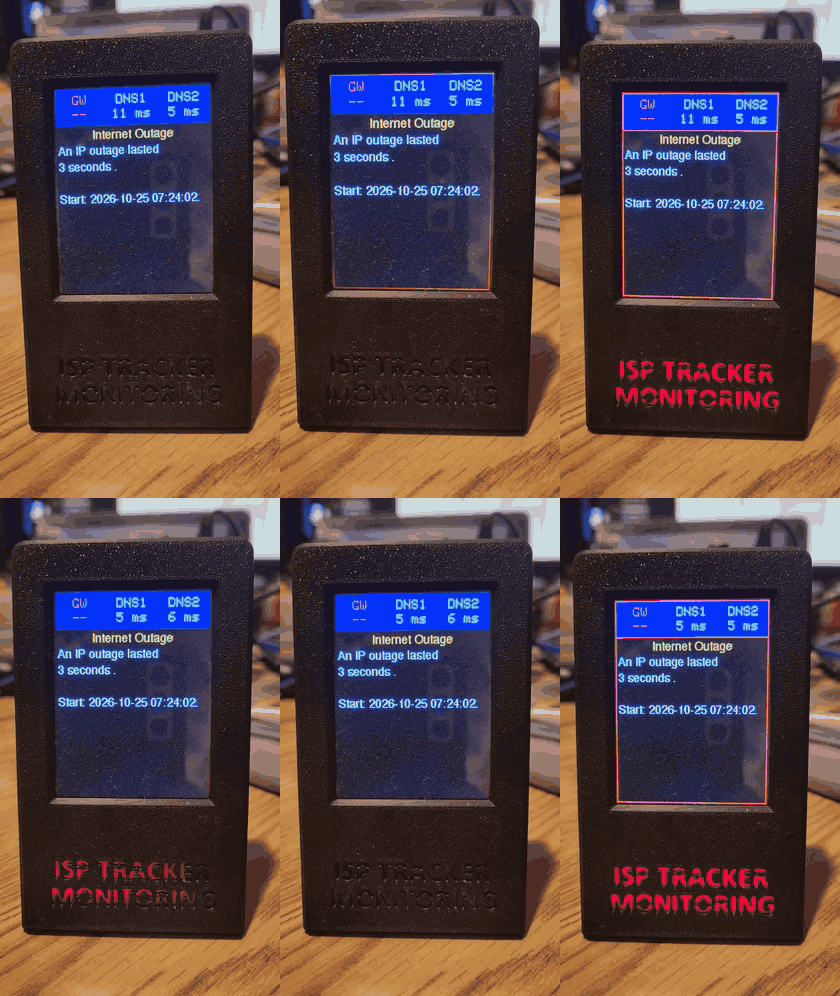
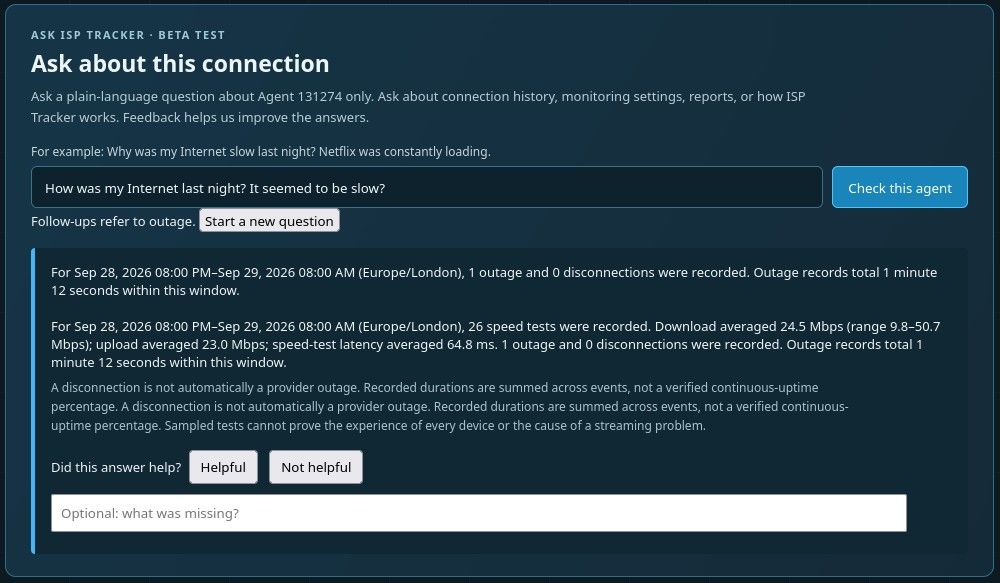
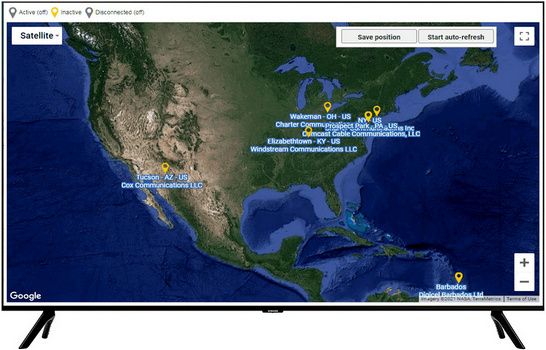
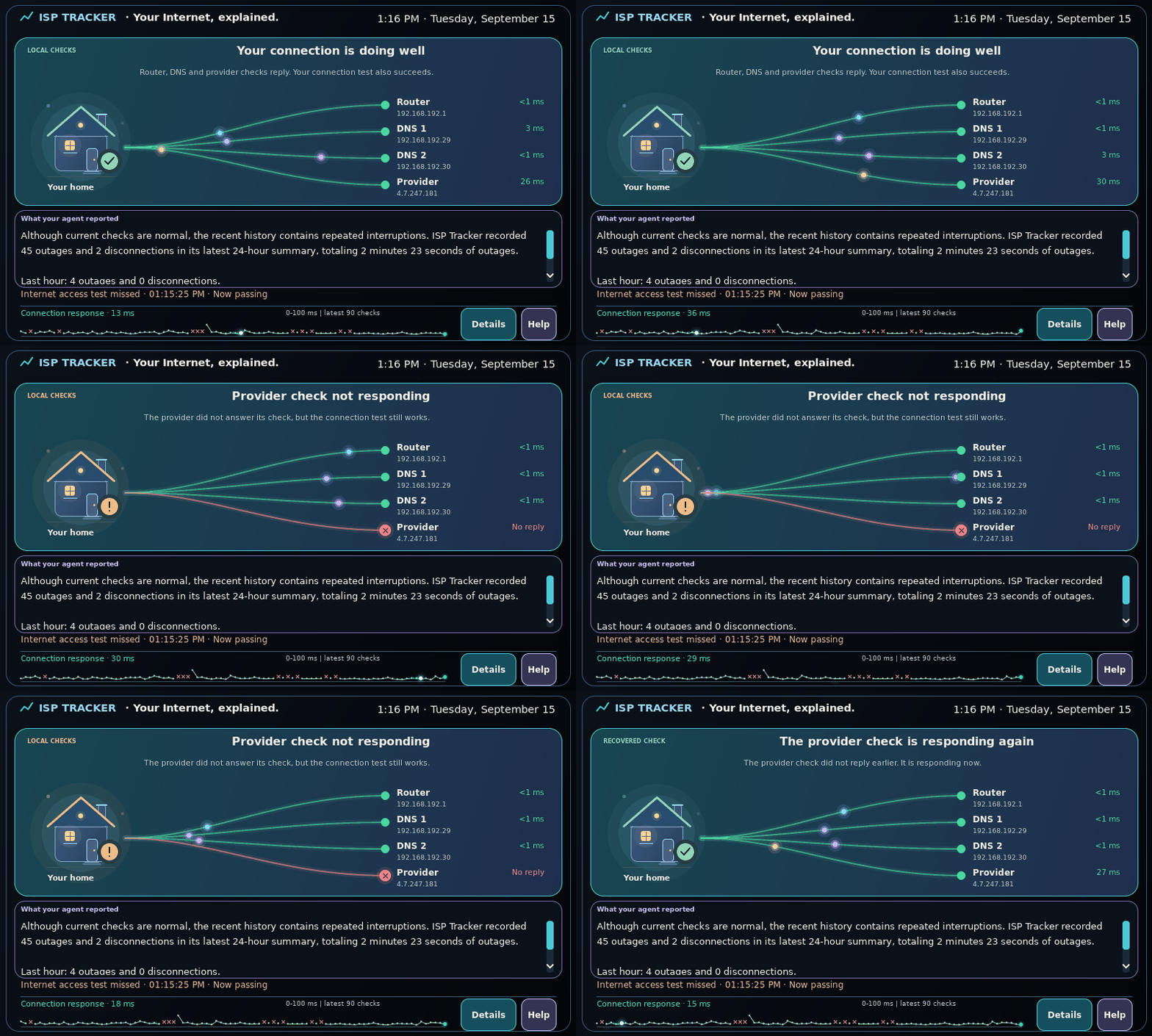
On August 10, 2026, ISP Tracker observed independently monitored Frontier Internet connections in Tampa and St. Petersburg begin experiencing brief interruptions at the same time.
The first interruption recorded by both connections began at exactly 12:44:08 PM EDT and lasted 10 seconds.
But that wasn't an isolated coincidence.
Over the next 2 hours and 16 minutes, the two connections repeatedly recorded closely aligned interruptions. Twelve pairs began at the exact same recorded second, and another five pairs began just one second apart.
These were brief interruptions lasting only 4 to 19 seconds, rather than one continuous outage. Problems like these can be particularly difficult to investigate because they may disappear before someone has time to determine what happened.
ISP Tracker was able to examine the monitoring history after the event had passed and compare what the two independently monitored connections had recorded.
The monitoring also found another common element: Cogent Communications infrastructure repeatedly appeared in the network paths associated with the recorded interruptions.
That does not mean Cogent caused the interruptions. It means this was one of the common elements ISP Tracker found while comparing what the two monitored connections experienced. The evidence also does not establish a Tampa Bay-wide Frontier outage.
About 45 minutes after the last shared interruption, follow-up connectivity checks from both connections succeeded. That shows the tested connectivity was working at that time, not that the underlying condition was permanently resolved.
The interruptions kept lining up
The first identical interruption began at:
12:44:08 PM EDT
Other identical recorded start times included:
- 12:48:21 PM
- 12:48:33 PM
- 1:11:01 PM
- 1:38:38 PM
- 1:39:01 PM
- 1:39:18 PM
- 2:01:34 PM
- 2:45:14 PM
- 2:45:31 PM
- 2:47:14 PM
- 3:00:08 PM
Five additional pairs began only one second apart.
The first and last identical starts were exactly 2 hours and 16 minutes apart.
This does not mean the connections were down for 2 hours and 16 minutes. They experienced a series of short interruptions during that period.
What ISP Tracker found
The two independently monitored Frontier connections were in Tampa and St. Petersburg.
When ISP Tracker compared their monitoring histories, the repeated timing alignment was clear. Twelve pairs of interruptions had identical recorded start times, while another five pairs began only one second apart.
ISP Tracker's monitoring also repeatedly found Cogent Communications infrastructure in the network paths associated with the interruptions.
This is a common element in the observations, not evidence of cause. Seeing the same network infrastructure in the paths associated with an interruption does not by itself establish that the network or any particular piece of equipment failed.
ISP Tracker also did not have sufficiently strong same-time, same-area observations from competing providers to say that nearby AT&T or Xfinity connections were unaffected.
What happened afterward
The last shared interruption began at approximately 3:00 PM EDT.
At approximately 3:45 PM, ISP Tracker recorded successful connectivity checks from both monitored connections to the tested destination.
Those successful checks show that the tested connectivity was working at that time. They do not establish that every Internet destination was reachable or that the earlier condition had been permanently resolved.
One of the connections also recorded additional brief abnormalities the following morning.
What the evidence supports
Two independently monitored Frontier connections in Tampa and St. Petersburg repeatedly experienced closely aligned brief Internet interruptions. Twelve pairs began at the exact same recorded second, with another five pairs beginning only one second apart, over a period spanning 2 hours and 16 minutes.
ISP Tracker also found a recurring common element in the network paths associated with the interruptions, and later connectivity checks from both connections succeeded.
The evidence does not establish that Frontier experienced a region-wide outage, that another network caused the interruptions, or that competing Tampa Bay providers were unaffected.
That distinction is important.
Internet problems are often brief and disappear before anyone has time to investigate them. Continuous monitoring means the evidence can still be there afterward, allowing separate observations to be compared rather than relying only on memory, complaints, or a test performed after the problem has disappeared.
This is the kind of problem ISP Tracker was built to help understand: not simply whether an Internet connection went down, but what happened, whether other monitored connections experienced something similar, and what the available evidence actually supports.