
Activating new hardware agent
-
When your agent arrives, it takes only moments to activate it.
Unbox your device and connect its LAN port to a free DHCP enabled port on your router/modem. You may also connect it to a switch if needed so long as devices connected to this switch can get an IP from your upstream DHCP service. Power the device up using a 1 amp minimum USB power source. Your agent should begin communicating with our network within a few minutes.
Next, if you have not already done so, create an account on app.outagesio.com and log into your control panel.
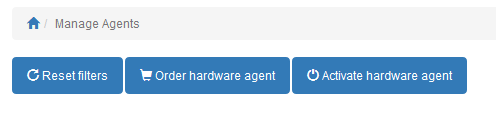
Click on the Agents menu item if you are not already on this page. Then click on the “Activate hardware agent” option.
Cut/Paste the credentials that were emailed to you in the correct sections.
MAC: XXXXXXXXXXXX
Activation code: xxxxxxx
Congratulations, your agent is now assigned to your account and will show up in your list of agents if you have more than one. Let it run 24/7 otherwise it cannot log problems with your Internet connection.
NOTICE: Our hardware devices are shipped using firmware that is purpose built to act as a simple LAN sided device behind a firewall. NEVER install agents directly to the Internet as these are not security hardened devices. Activating your agent means that you understand this and take full responsibility.
Thank you for using OutagesIO.
-
K KelAuth locked this topic on
Hello! It looks like you're interested in this conversation, but you don't have an account yet.
Getting fed up of having to scroll through the same posts each visit? When you register for an account, you'll always come back to exactly where you were before, and choose to be notified of new replies (either via email, or push notification). You'll also be able to save bookmarks and upvote posts to show your appreciation to other community members.
With your input, this post could be even better 💗
Register Login